01
OPEN EVIDENCE Evidence captured in the workThe smallest useful signal is preserved before it has to be rebuilt later.
 ABC HOW TOABSOLUTE BOAT CARE · OPERATING COMPANION
25 YEARS OF CRAFT · TIME TO GROW UP—NOT GROW OLD.
REAL SCREENS. THE NEXT RIGHT ACTION.
Choose who you are or what you need to do. The companion opens the real screen, highlights the control and shows what happens next.
Select an arrow to reveal a layer. Select the labelled box to open the right evidence.
The smallest useful signal is preserved before it has to be rebuilt later.
Every signal stays attached to the commercial and delivery context that gives it meaning.
Each person sees the evidence and next action appropriate to their responsibility.
One connected trace can support delivery, customer proof, review and learning.
The final layer connects the operating mechanism to the questions external stakeholders will ask.
PLAYBOOK ON YOUR PHONE
The ABC icon opens this Playbook directly from your home screen. You do not need to find the link again.
Choose the Project before searching so the answer never mixes Boats, Jobs or accounts.
CLEVER TREVOR · VIDEO ACCESS
A portrait guide made to save on the phone, including a real recording of ABC being used phone-in-hand. It separates the first Piece or Area in a new Project, an existing identity, and a new Piece introduced after work has started.
All four TIME RECORDS examples are clearly marked as training and are not customer evidence.
New Project → agreed Jobs → first Piece or Area.
Tap Capture in the footer → land on Capture → photo → choose Project, Job and identity.
Pieces → Add Piece → record the first observation.
Pictures → open the photo → change Job. Correct; do not duplicate.
The craftsperson self-reports inside the Project. Linda and Pedro use central Time Tracking to enter paper today and, in future, validate self-reports and handle exceptions only.
Assigned Project → Hours & Materials → Time Entry → own time → review → save. Not yet in use.
Time Tracking → Quick Entry → Person → Boat → Project → Hours → review → save.
Filter self-reports → validate normal entries → add or correct exceptions only → leave one trusted result.
Project → Hours & Materials → material and quantity → work context → review → save.
START BY ROLE
Each route shows only the operating information relevant to that role.
START BY TASK
Search opens the guide at the relevant process, with a route into the live tool.
Open the right Project before capturing anything.
Fastest route: tap Capture at the bottom, then picture, Project, Job, Piece, stage and words.
Give the physical item a trace, then attach evidence to it.
Future route: record your own time inside the assigned Project. Not yet in use.
Today: enter paper timesheets, carry the same work context into Materials, and verify the pair.
See today's visual operating reality by date and Boat.
Walk a real Boat through Jobs, Pictures and Pieces; see what already works and what must connect next.
Read one Project as scope → work → evidence → inputs → next action.
See all work attached to one vessel, then enter the Project that needs attention.
Walk the floor by evidence, without asking people to reconstruct the day.
Try both real routes and see what changes before and after every click.
Follow Capture, workshop work, QC, return to the Boat and the many portfolio possibilities created by one trace.
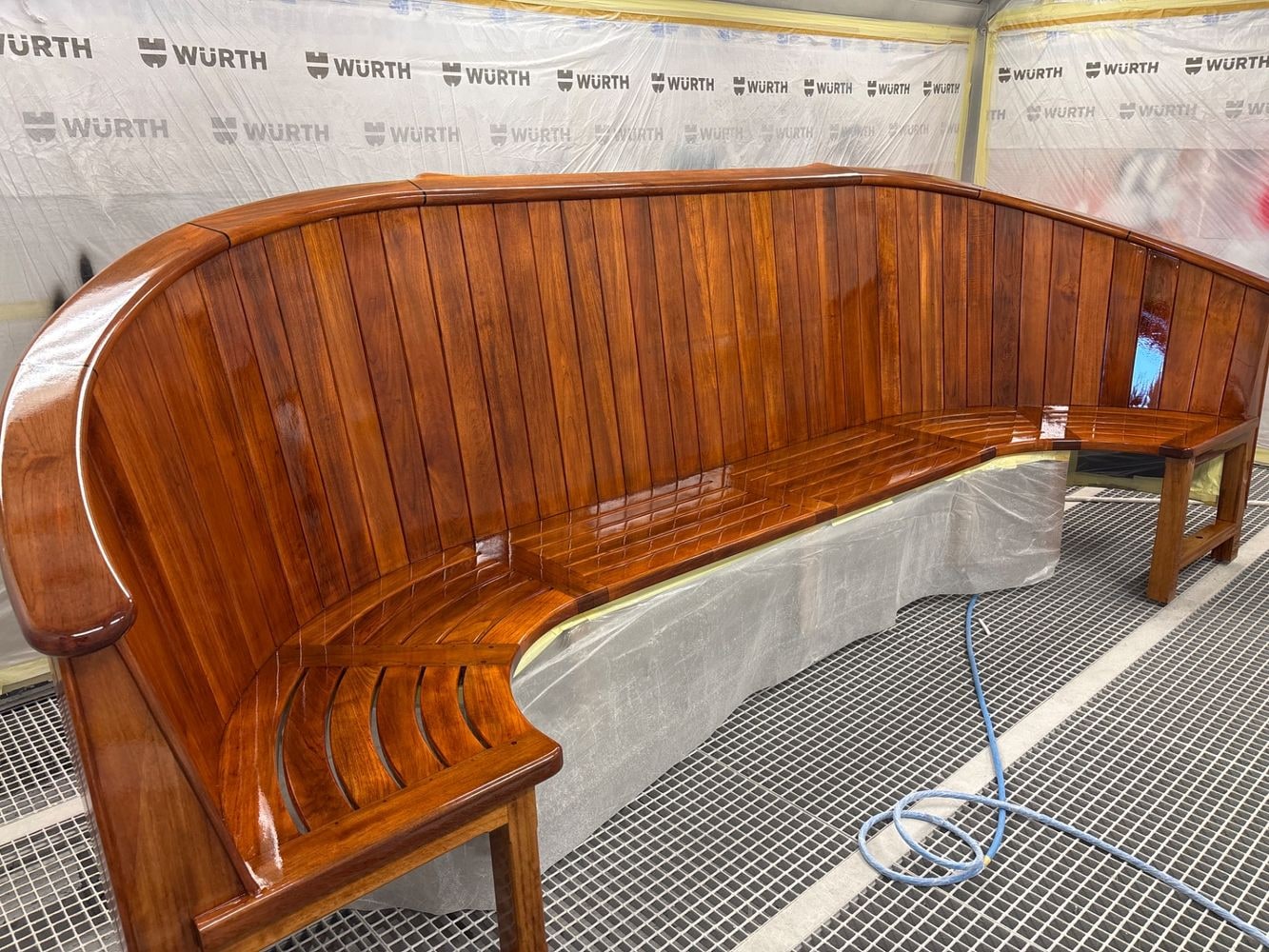 VIEW FINISH + 119 PHOTOS
 One Boat, six Jobs, 117 linked photos, five obvious Pieces and gaps that are still visible. Walk the real work without pretending it is already perfect.
Real screen, highlighted control, expected result and Next.
START CAPTURE ROUTEToday → Project → Pictures → Pieces → Exception → Next.
START THE WALK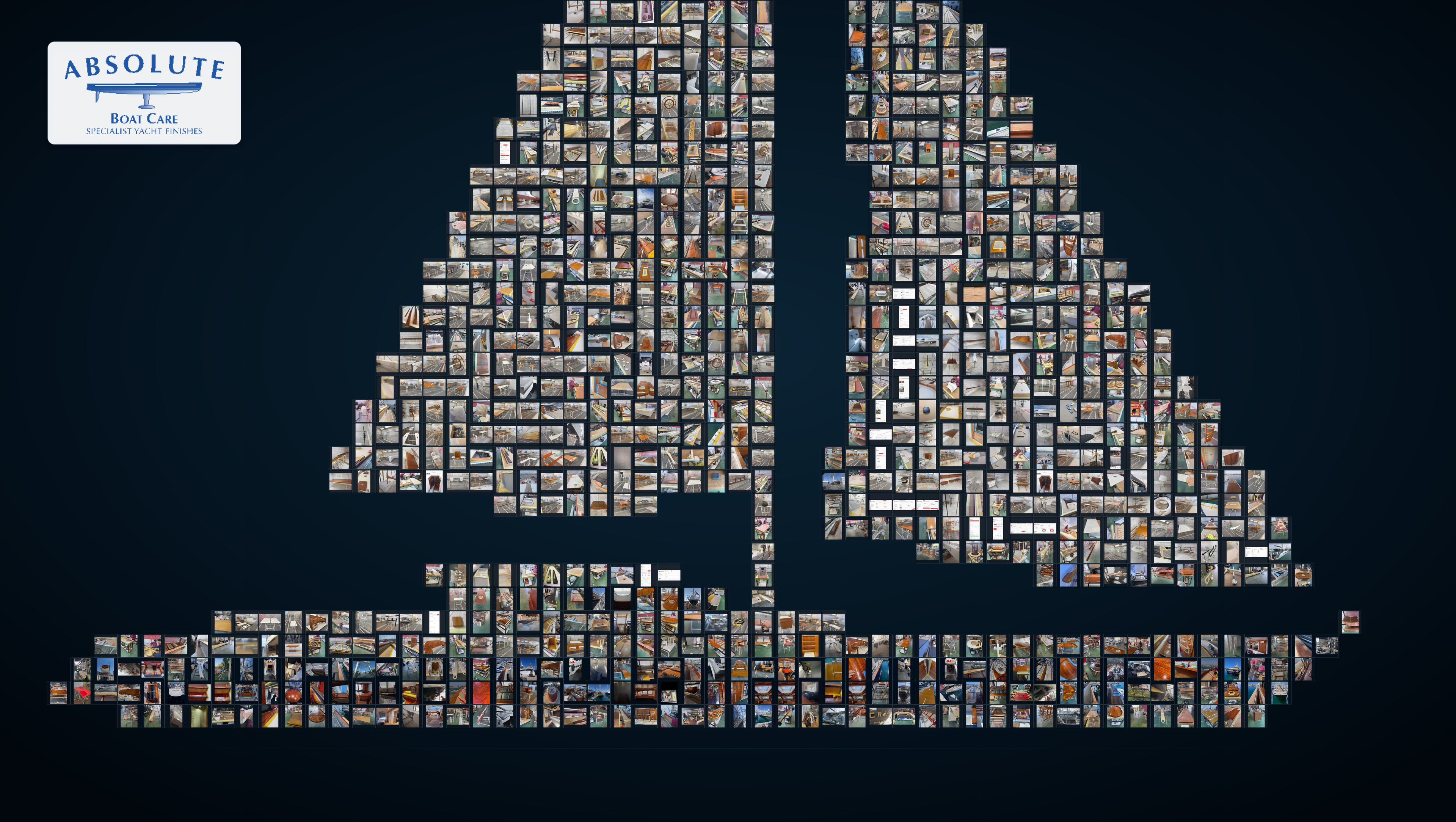
From a distance: one yacht. Up close: every individual photograph. Explore the evidence ABC had already captured and see how Gravitas turns it into one operating picture.
EXPLORE THE EVIDENCE YACHTLAYER 05 · INVESTOR QUESTIONS
Each question opens the operating evidence needed to answer it. No isolated claims; the logic remains connected to the work.
When Picture, Words, Click, time and materials separate, the team rebuilds the work later.
OPEN EVIDENCE EXPLORERThe same evidence unit can pass from craftsperson to office, team leader, owner and customer without losing its source.
OPEN ROLE RESPONSIBILITIESThe entry point uses the existing phone, browser and work data; investment is directed at a useful, measurable routine.
OPEN CAPTURE JOURNEYEvidence is captured once and reused for handover, review, customer proof and learning.
OPEN VISIBLE PROOFABC already had the pieces.
Gravitas is the operating layer that makes them work as one system.